All Tools
AI Kling 4 Video & Image Tools
Every AI Kling 4 tool in one place: text to video, image to video, reference and frames to video, Kling Motion Control, text to image and image to image.
AI Video Tools5
AI Frames to Video
Upload a start frame and an end frame and let AI fill in the motion between them. Ideal for smooth transitions, product reveals and loops, all in-browser.
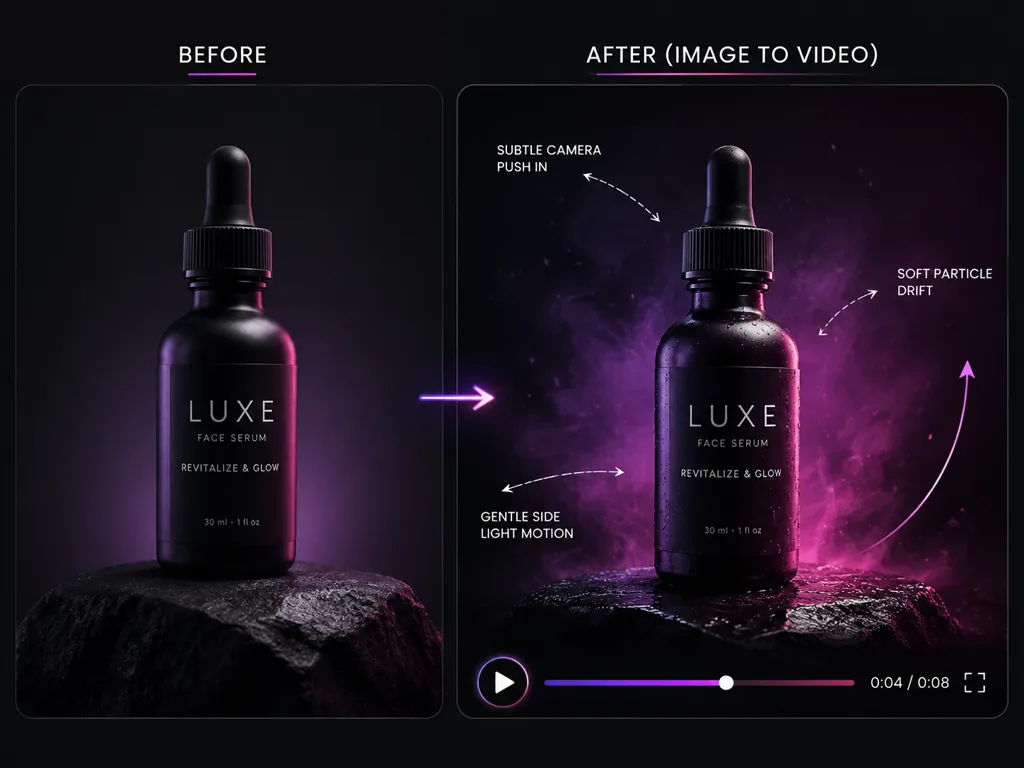
AI Image to Video
Upload a photo and animate it into a smooth AI video that keeps the subject, framing and style. Add a motion prompt, choose length and ratio, and render.
Kling Motion Control
Copy the moves from a reference video onto your character image with Kling 3.0 Motion Control or Kling 2.6 Motion Control. Keep the identity, match motion.
AI Reference to Video
Use reference images to keep characters, products and style consistent across your AI video. Tag each image in the prompt, set the duration, and generate.
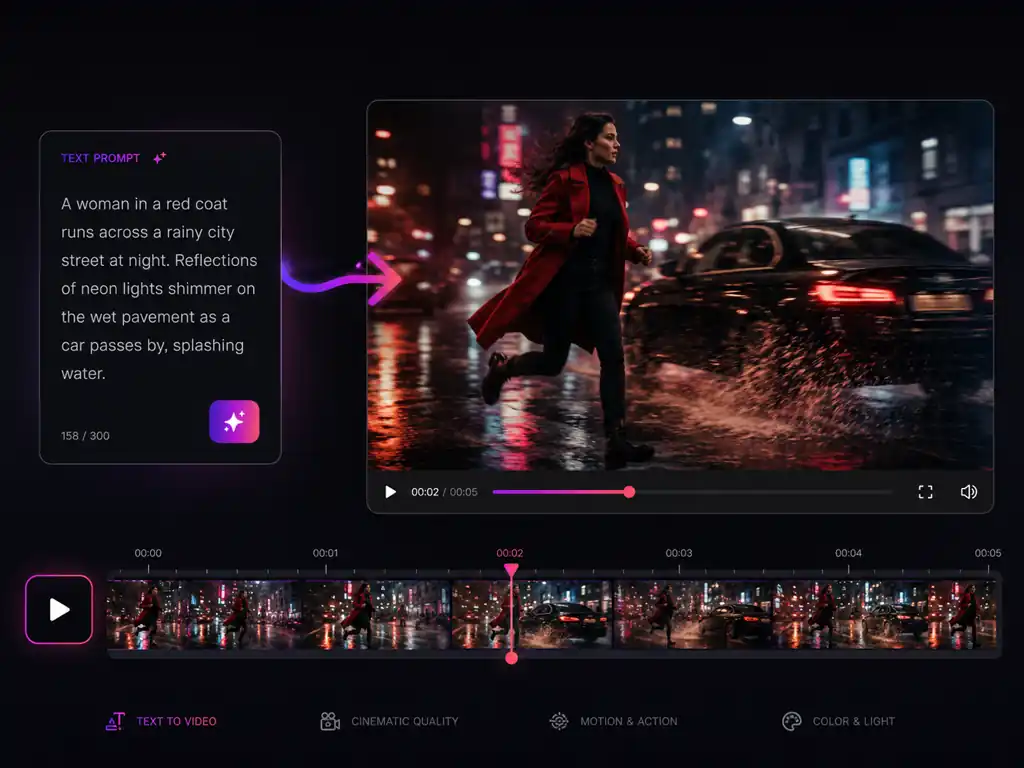
AI Text to Video
Type a prompt and turn it into a short AI video with cinematic camera motion. Pick a video model, set the aspect ratio and length, then render it online.
AI Image Tools2
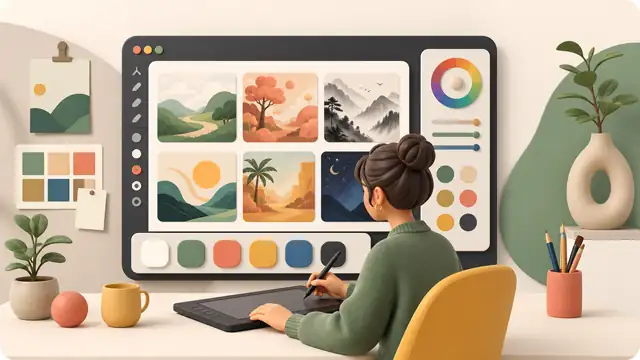
AI Image to Image
Upload a photo and restyle it with a prompt: change the lighting, outfit, background or art style while keeping your subject. Then animate it into a video.

AI Text to Image
Describe a scene and generate detailed AI images from your prompt. Use the results as first frames for image to video or Kling Motion Control. Try it free.
Try any tool free
Every tool works right in your browser — no download, no credit card. Pick one above and see the result in seconds.